
Clancy Counter
The tally counter, wired to your camera.
A small box on your network watches an ordinary security camera and counts the vehicles going in and out — every hour of every day, with a photo of each one. No loops in the pavement, no clipboard, no clicker.
What it is
Clancy Counter is a tiny edge device with an AI accelerator (neural processing unit), mounted wherever your camera feed reaches. It runs AI detection on the video using the latest AI VLM models , decides which way each vehicle travelled, and makes a record. You can open the device web page on your phone or laptop to see the count, watch the live picture, and pull a report. With a car counter it's all about accuracy. The Clancy Counter is the most accurate counter available.
Counts in and out
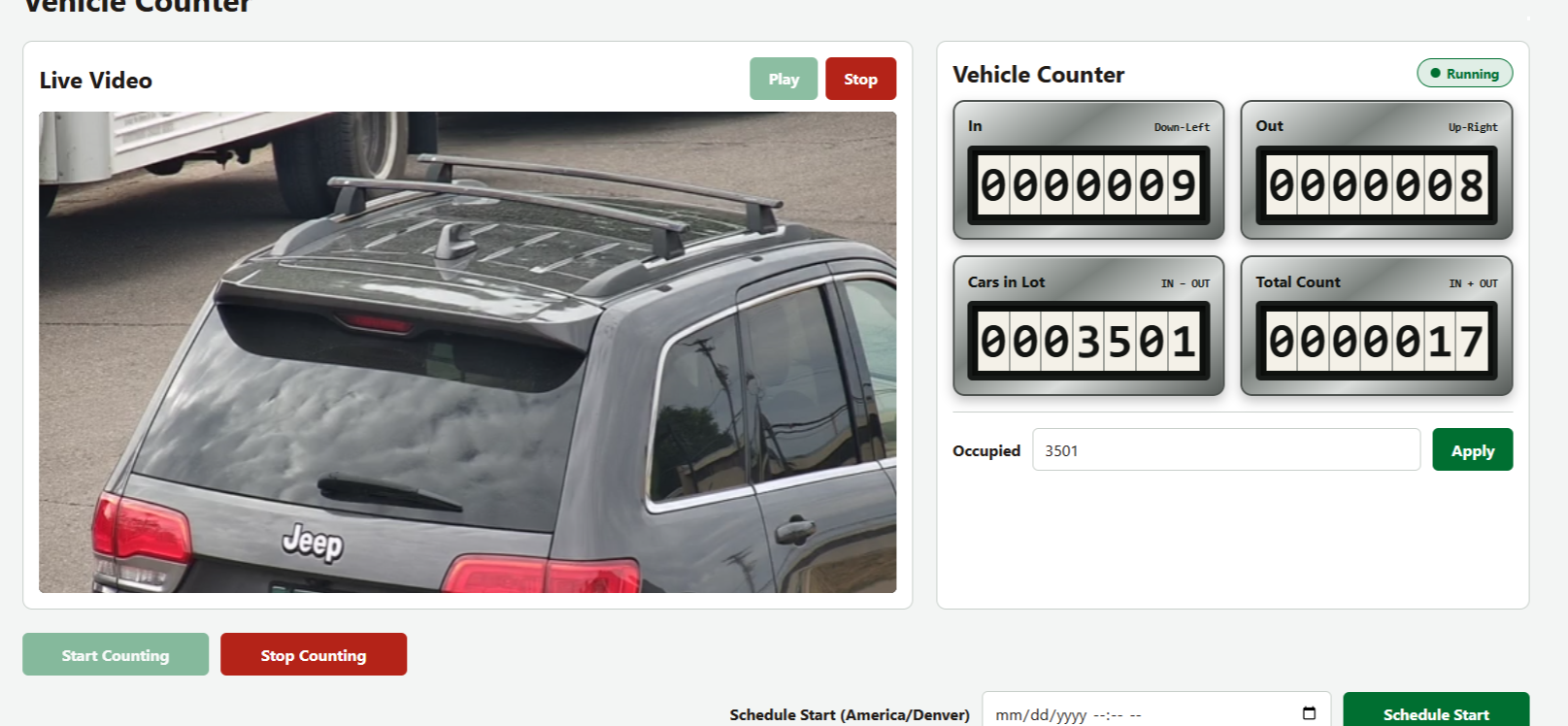
You pick which direction of travel means "in" and "out". The counter keeps the running total, the number of cars currently in the lot, and the all-day total count.
Keeps the evidence
Every count saves an annotated (bounding box) still. The Review page steps through them, so a disputed number takes seconds to settle.
Runs on its own
Start it manually or schedule it to run at a certain time. It reconnects to the camera on its own, survives a reboot, and rotates its own logs.
Stays on your network
Detection, storage and the interface are all on the device. It needs the internet only to check its license.
The interface
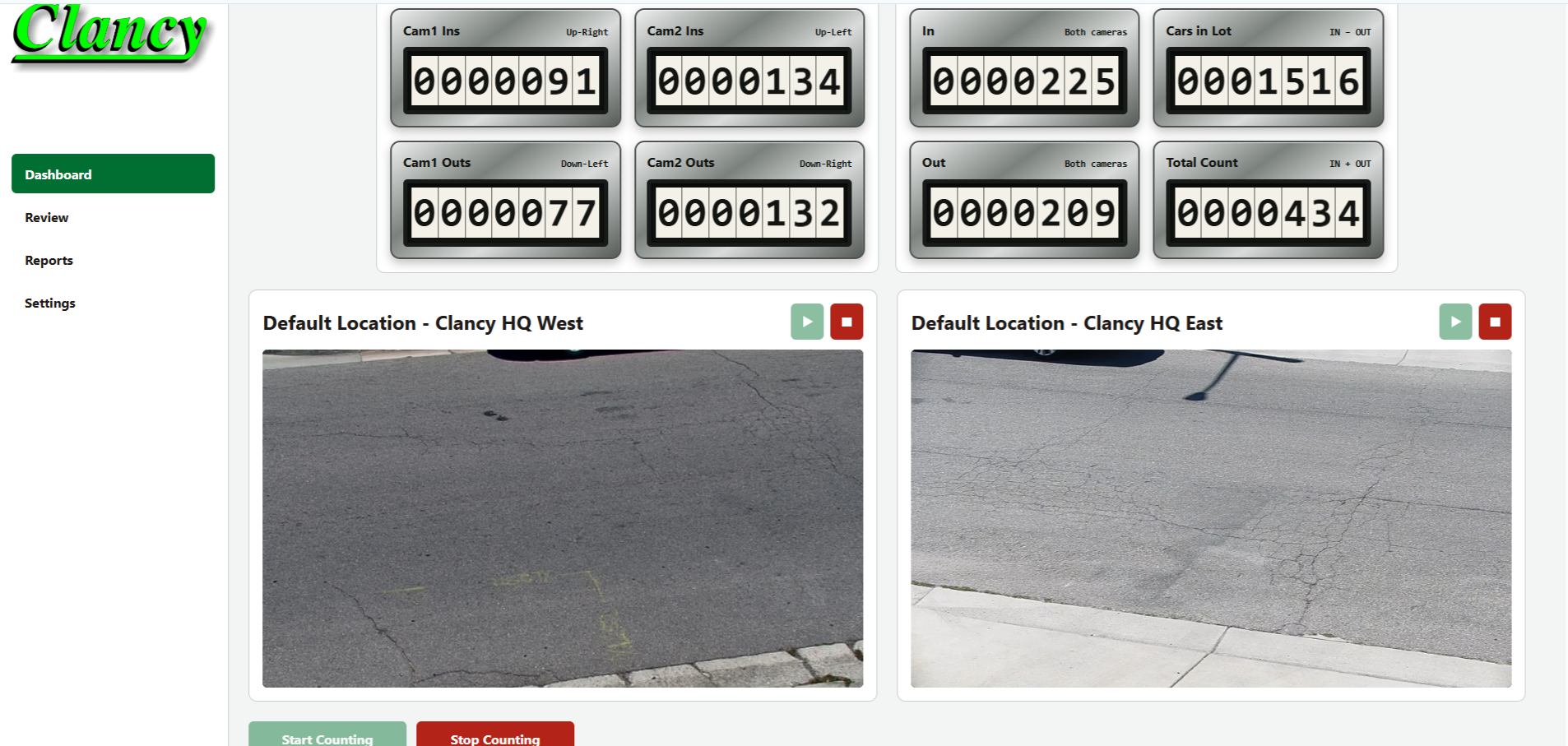
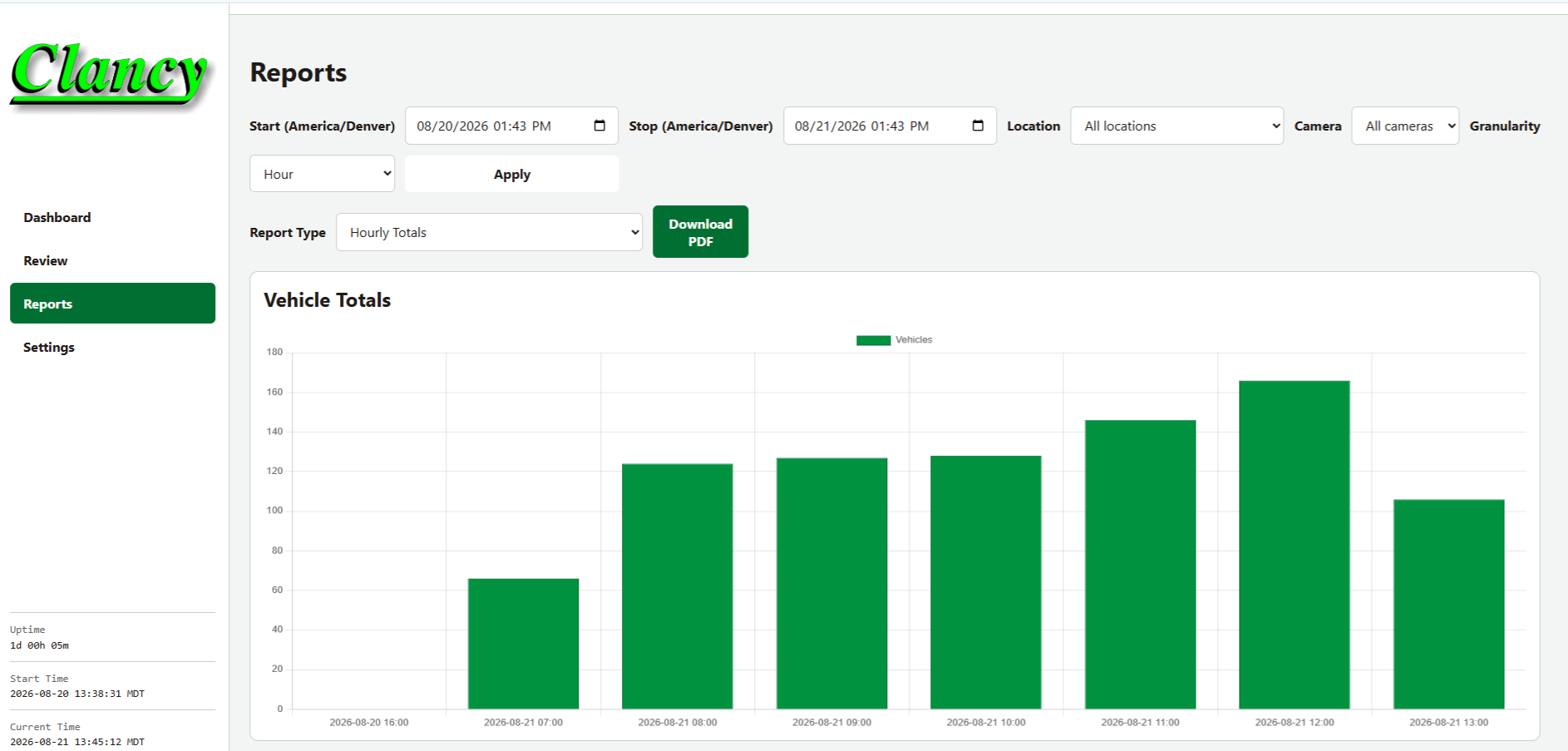
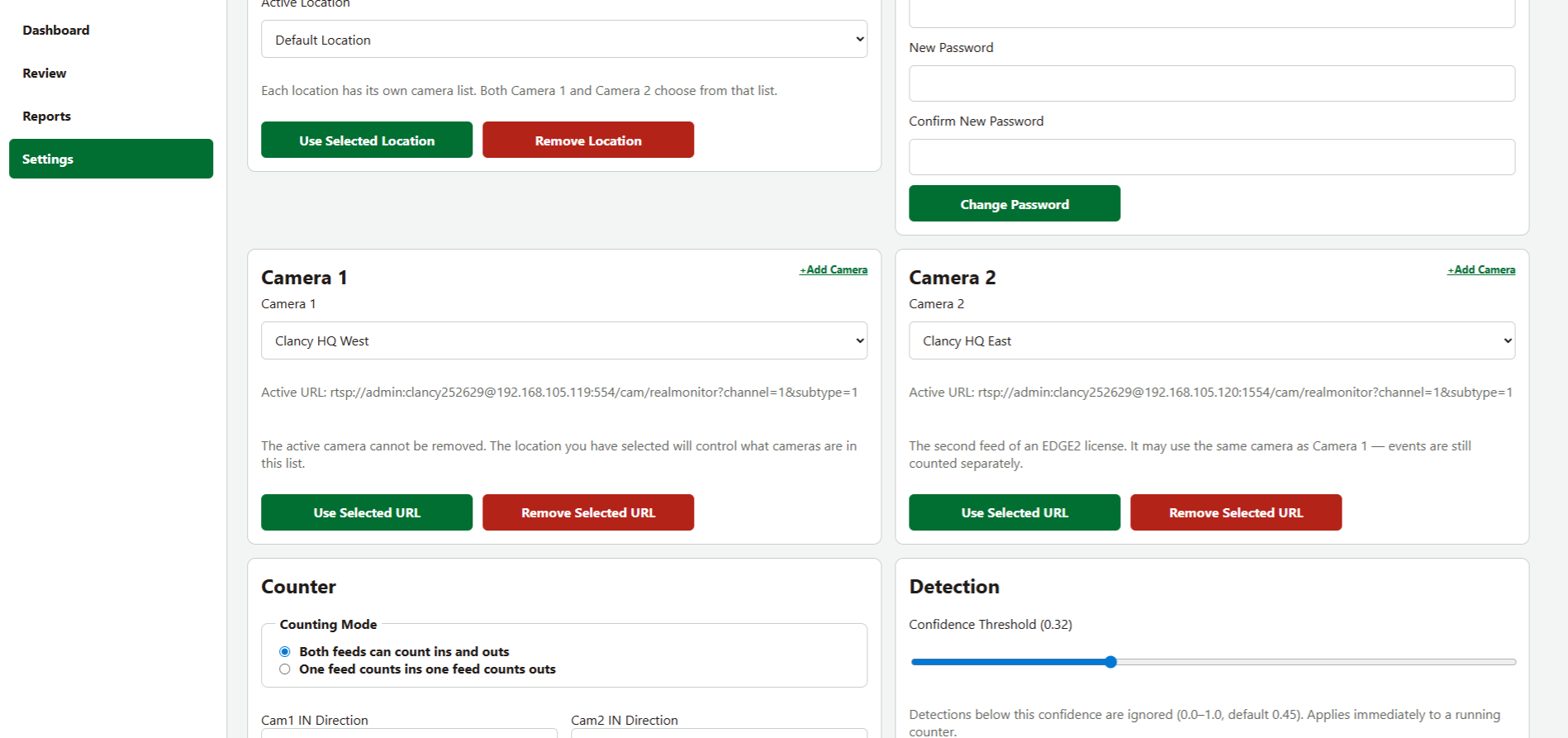
Screenshots from a running counter — an easy to navigate dashbaord everything is where you would expect it to be. We've taken the pain out of complex AI settings and created a simplified intuitive experience.
How it works, briefly
Four steps, from camera to number. The long version — including what happens to a vehicle that stops halfway across the frame — is on the how it counts page.
It watches the camera
The counter opens your camera's RTSP stream — the same feed your recorder uses — and reads it frame by frame.
It finds the vehicles
Each frame goes through a vehicle-detection model on the on-board AI accelerator. Cars, trucks, motorcycles and buses; people and dogs if you want them.
It follows each one
Detections are stitched into tracks, so one vehicle crossing the frame is one vehicle — not one per frame.
It records the direction
When a track has clearly travelled one way, the counter files it as in or out, saves the still, and the number on the dashboard ticks over.
Licensing
One key per counter, or a key for the aggregator that collects several of them into one screen.
| License | Software | Cameras | Users |
|---|---|---|---|
| Clancy Counter — 90-day free One-time free 90-day license for a single edge device. Each device fingerprint may claim EDGE0 once. | Edge counter | 1 | — |
| Clancy Counter — single camera Paid single-camera license for one edge device. | Edge counter | 1 | — |
| Clancy Counter — multi-stream Expanded edge license with multiple RTSP streams for separate in/out feeds. Current firmware may still count one stream while carrying the higher entitlement. | Edge counter | 2 | — |
| Clancy Aggregator — device manager License for the aggregate / device-manager software that collects edge counters. | Aggregator | — | — |
Each device starts with a 7-day free trial, then activates with a one-time free 90-day key or a paid licence, and re-checks every 30 days. A network outage never stops the counting: there is a seven-day grace period.
Interested?
Tell us what you need counted and we will tell you whether the camera you already have is enough.